
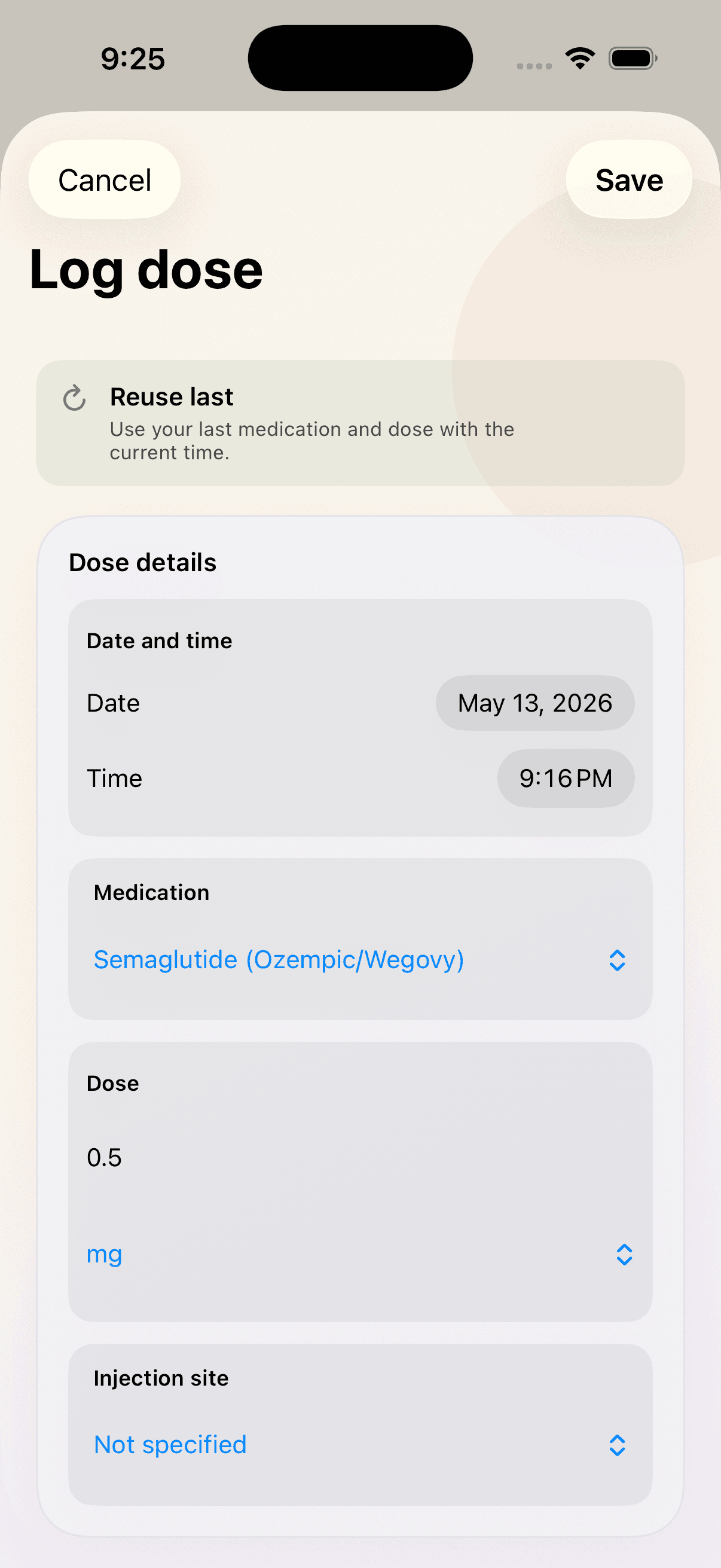
Keep your GLP‑1 injection history in one place.
Record the details that matter to your own routine, then return to a clear history instead of relying on memory or scattered notes.
The logging flow
Record the entry with the detail you need.
Medication
Keep the selected medication attached to the entry.
Dose
Record the dose as part of the history you are already following.
Date & time
Save when the injection was recorded.
Injection site
Add a site when that detail is useful to your own records.
Optional notes
Capture a detail you may want to remember later.
Flexible check-ins
Add weight and symptoms when they belong with the moment.
A dose entry can stand on its own. You can also add a weight or symptom check-in separately, or record them together when that creates more useful context.
Recent history
Correct the record when a detail changes.
Recent entries remain easy to revisit and edit, so a typo or forgotten note does not have to become a permanent gap in the log.
What a log is for
A record you can review—not a set of instructions.
Shotz helps record
The information you enter, its timing, and optional context.
Your clinician guides
Medication decisions, dosing, symptoms, and treatment questions.
From the library
Related guides
What to include in a GLP-1 dose log
A practical, non-medical guide to recording medication, user-entered dose, timing, optional injection site, notes, weight, and symptoms in a useful GLP-1 dose history.
ChecklistA weekly injection-record checklist
A concise, printable-feeling checklist for recording a weekly injection event accurately—without dosing or administration instructions.
Continue exploring
Related parts of the routine
Keep the whole routine in view.
Bring the dose plan, next dose, history, reminders, and check-ins together.
Learn more
Dose remindersKeep the next dose visible.
See schedule context and reminder states without holding it all in your head.
Learn more
Symptoms & weightReview context together.
Connect weight check-ins and symptom notes with dose-event markers over time.
Learn more